FitsAir Lost and Found at Kuala Lumpur International Airport (KLIA)
If you have misplaced an item during your FitsAir flight or within Kuala Lumpur International Airport (KLIA), the appropriate reporting procedure depends on where the item was lost. Follow the sections below to report and recover your belongings.
Items Left on Board the Aircraft
Passengers who leave personal belongings on board a FitsAir flight should
contact FitsAir or its appointed ground handling agent as soon as possible. When
making an enquiry, passengers should provide their flight number, travel date,
seat number and a detailed description of the missing item to assist with
identification.
Items Lost at the Airport
Items
lost in public areas of Kuala Lumpur International Airport (KLIA), including the
check-in halls, security screening areas, immigration counters, departure
lounges and arrival halls, are managed by the KLIA Lost and Found Office.
Personal belongings left inside the terminal should be reported directly to the
airport's Lost and Found service.
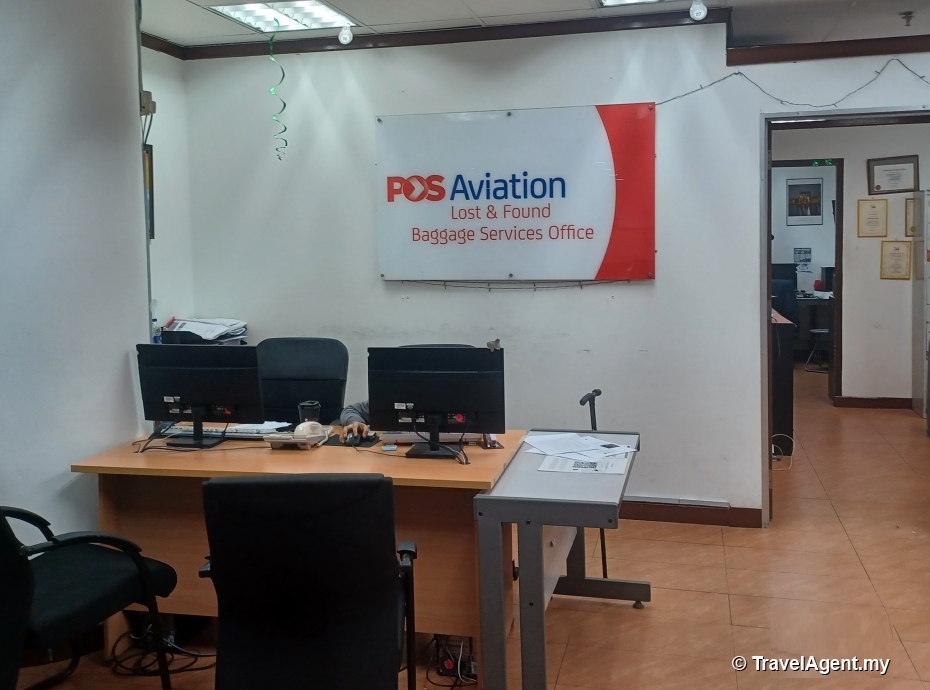
Baggage-Related Lost Property
Passengers who cannot locate their checked baggage upon arrival must report
the matter immediately at the Baggage Services or Lost & Found counter before
leaving the arrivals hall. A Property Irregularity Report (PIR) will be issued
to begin the baggage tracing process. Passengers should retain their baggage tag
and present it when filing the report.
Recovery and Collection
If the missing item or baggage is located, collection arrangements will be
provided by the responsible airline or airport office. Proof of identity may be
required when collecting recovered property, and an authorised representative
may collect the item on the passenger's behalf with written authorisation.
Passenger Advice
Passengers are encouraged to report
missing baggage before leaving the baggage reclaim area, as baggage tracing
begins only after a Property Irregularity Report has been completed. Keeping
baggage tags and travel documents will help speed up the identification and
recovery process.
Shall you need further information, it's best to check FitsAir's official
website or contact their customer service team.
undo back